CANバス
このチュートリアルでは、Aotenjo One ボードを CAN バス通信用に準備し、閉ループ角度制御を実行する方法を紹介します。
Aotenjo One V2.x と Aotenjo Master v2.x の両方をお持ちの場合は、代わりに CAN FD 通信チュートリアル を参照してください。
AotenjoでCANバスを使用する理由
1 台の Aotenjo Master ボードで複数の Aotenjo One ボードを制御する場合は、Aotenjo ボードとの CAN バス通信を使用することをお勧めします。 Aotenjo で CAN Bus を使用する利点の詳細については、Aotenjo Master CAN Bus チュートリアル を参照してください。
事前準備
このチュートリアルでは、以下の機器を使用します。
- Aotenjo Oneボード MCU: STM32G431CBU6 バージョン: Aotenjo One V1.4
- 直径方向着磁ディスクマグネット(Aotenjo Oneに付属)
- ST-LINK V2 クローン
- BlackPill STM32 ボード
- BE4108 75T ジンバルモーター
- 電源(12V)
- はんだ付けキット
ファームウェアをボードにアップロードするには、ST-LINK V2 クローンが必要です。安価なクローン ST-LINK V2 は 5 ドル以下で購入できます。
CANバス接続
通信には CAN_H と CAN_L、電源と共通のグランド基準には VCC と GND を使用し、基板をデイジーチェーン接続します。
信号の反射を抑えるため、CAN バスの物理的な両端それぞれに、CAN_H と CAN_L の間を接続する 120 Ω の終端抵抗が必要です。バスの途中にある基板では終端抵抗を有効にしないでください。下図は CAN 信号線の接続を示しており、電源線とグランド線は省略しています。

お使いの基板に搭載されている方式に合わせて設定してください。
- はんだジャンパーを搭載した基板: バスの物理的な末端に配置する場合は、終端ジャンパーのパッド間をはんだで接続します。バスの途中に配置する場合は、パッド間を未接続にするか、接続しているはんだを取り除いてください。

- CAN 終端スイッチを搭載した基板: バスの物理的な末端に配置する場合は CAN TERM を ON に、途中に配置する場合は OFF に設定します。

接続例:巻線機
当社の巻線機では、以下の順序でデイジーチェーン接続しています。この順序は物理的な接続を表しており、通信の方向を示すものではありません。
Aotenjo Master — Aotenjo One (M3) — Aotenjo One (M2) — Aotenjo One (M1) — Aotenjo One (M0)

この構成では、Aotenjo Master v2.1 の内蔵終端抵抗がバスの一方の末端を終端します。もう一方の末端にある Aotenjo One M0 では、はんだジャンパーまたは CAN 終端スイッチで終端抵抗を有効にしてください。M1、M2、M3 の終端抵抗は無効にします。
同じ位置に CAN 終端スイッチ付きの Master 基板を使用する場合は、Master のスイッチも ON に設定してください。
開発環境の準備
VSCode と PlatformIO
PlatformIO は、VSCode 拡張機能マーケットプレイスからインストールできます。
STM32CubeProgrammer
ファームウェアを基板に書き込むためのツールです。
リポジトリの取得
git clone https://github.com/aotenjo-xyz/one.git
cd one
git checkout v1.0
クイックスタート
- モーターのシャフトに磁石を置きます。
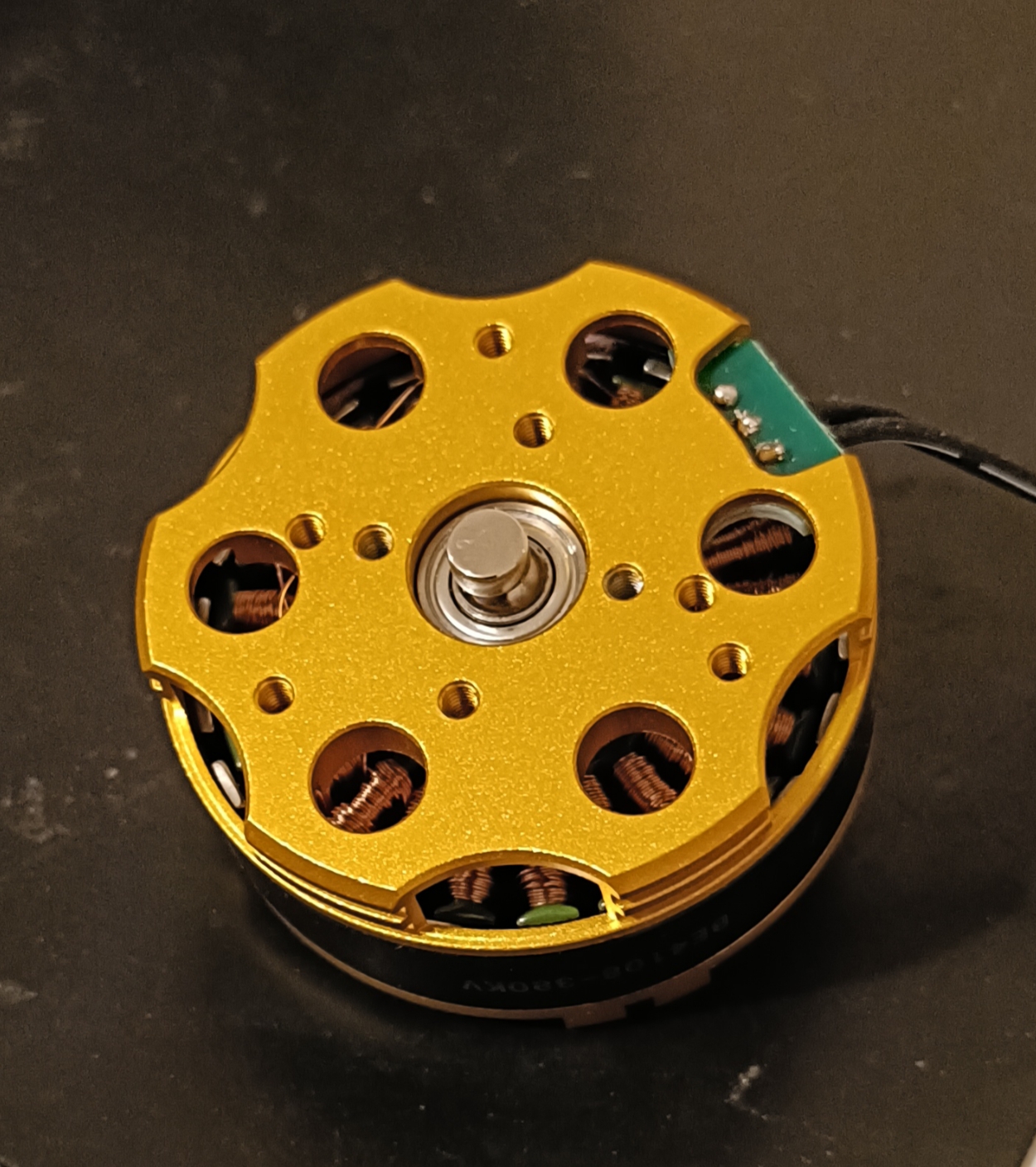
-
Aotenjo One ボードを ST-LINK V2 書き込み器に接続します。
 ST-LINK V2 <-> Aotenjo One3.3V <---> 3.3VGND <---> GNDSWDIO <---> SWDIOSWCLK <---> SWCLKRST <---> NRST備考
STM32G4 シリーズでは、BlackPill と異なり、基板の NRST ピンも ST-LINK V2 に接続する必要があります。
あるいは、アップロード中に Aotenjo One ボードの NRST ボタンを押し続けると、同じ効果が得られます。
:::
3. ST-LINK V2 書き込み器を PC に接続します。
4. VSCode でプロジェクトフォルダーを開きます。
5. 左側のサイドバーの「PlatformIO」タブをクリックし、「Upload」ボタンをクリックしてファームウェアをボードにアップロードします。

これで、CAN バス通信を使用してモーターを制御する準備が整いました。
次の手順については、Aotenjo Masterボード CAN Bus チュートリアル を参照してください。