Simulation with Godot
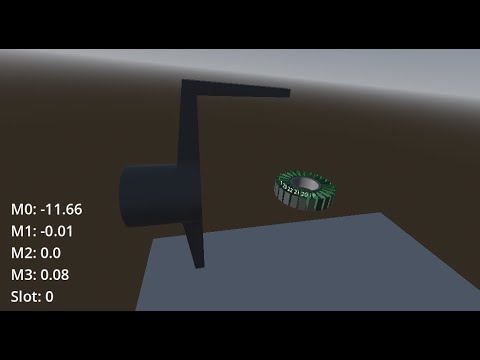
How to Run the BLDC Motor Winding Machine Simulation with Godot
Godot is used to simulate the winding process and visualize the winding results. The simulation helps in understanding how the winding machine operates and allows for testing different winding configurations before actual implementation.
What is Godot?
Godot is a free and open-source game engine used for creating 2D and 3D games and simulations. It provides a comprehensive set of tools for game development, including a visual editor and a scripting language called GDScript.
Prerequisites
- Miniconda: Download and install Miniconda for your operating system.
- Godot: Download and install the latest stable version of Godot.
Quickstart
-
Follow the Quickstart guide to set up the Winder software and run the simulation in Godot.
-
Export the Godot project to a standalone binary (no Godot editor required to run):
make export-simulationThis produces
simulation/bin/simulation.x86_64. Export templates must be installed in Godot beforehand (Editor → Manage Export Templates). -
After building, run the interactive controller and simulation as separate processes.
Terminal 1 (interactive controller):
conda activate windingexport PYTHONPATH=$PWDpython scripts/main.py -sTerminal 2 (WebSocket bridge):
conda activate windingexport PYTHONPATH=$PWDpython scripts/ws.pyTerminal 3 (simulation):
make simulatemake simulatelaunches the exported simulation binary only. Use the terminal running main.py to select wind wires and continue through the interactive prompts.