Introducing Winder Desktop App

We are excited to announce the release of Winder Desktop, a graphical interface for our open-source Python winding machine software.
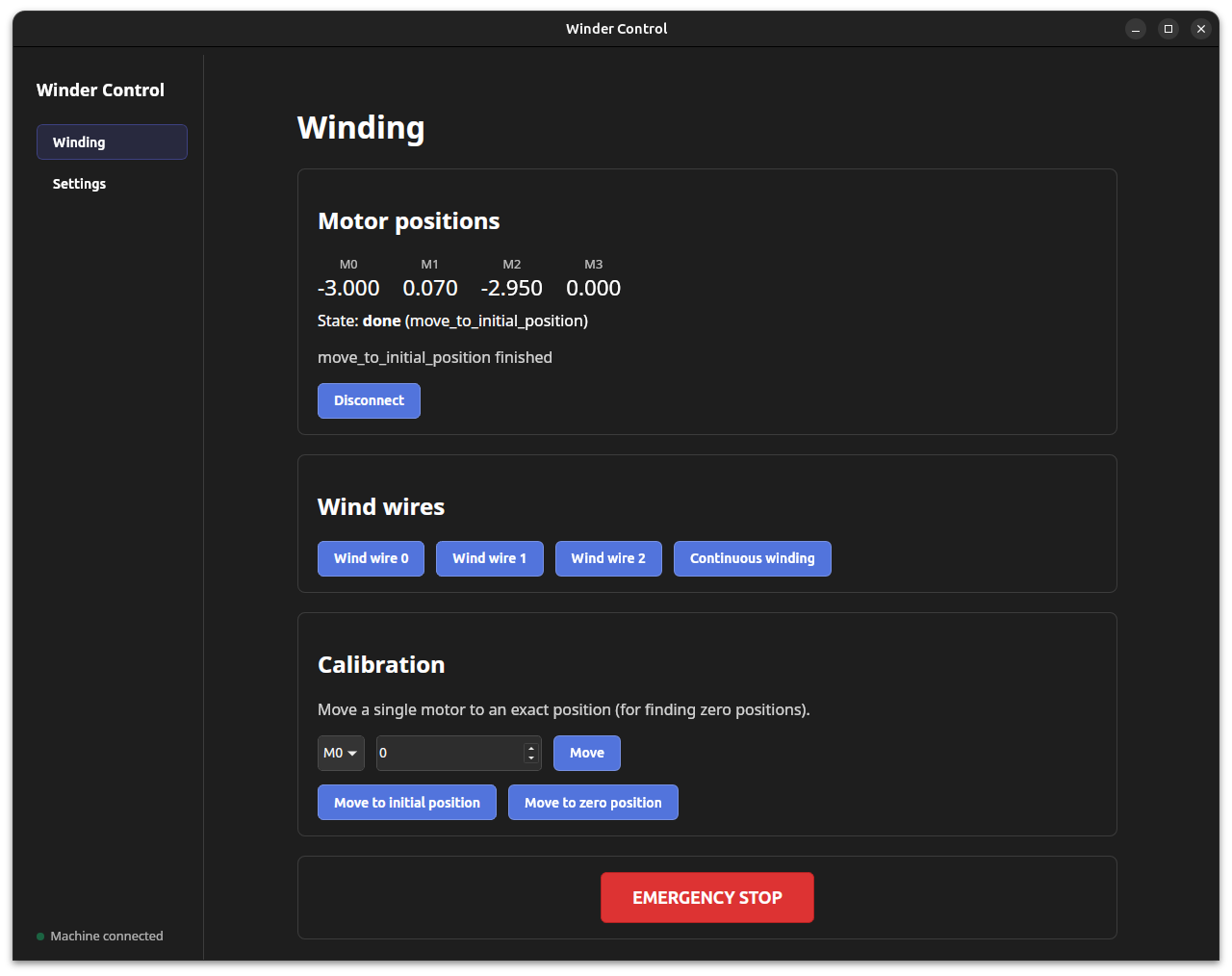
You can download Winder Desktop for Windows, macOS, and Linux from our GitHub Releases page.
Features
- Full winding control: Control your winding machine through an intuitive graphical interface.
- Cross-platform: Available for Windows, macOS, and Linux.
- Open source: Built on our open-source Python winding machine software.
- Simpler setup: Configure your winding machine directly from the app without manually editing configuration files.
Previously, Winder was available only as a command-line interface (CLI). While the CLI provides full control over the winding machine, it can be intimidating for users who are not familiar with command-line tools.
Machine configuration also required manually editing a YAML configuration file.
With Winder Desktop, you can now control and configure your winding machine through a graphical interface without using the command line or manually editing configuration files.
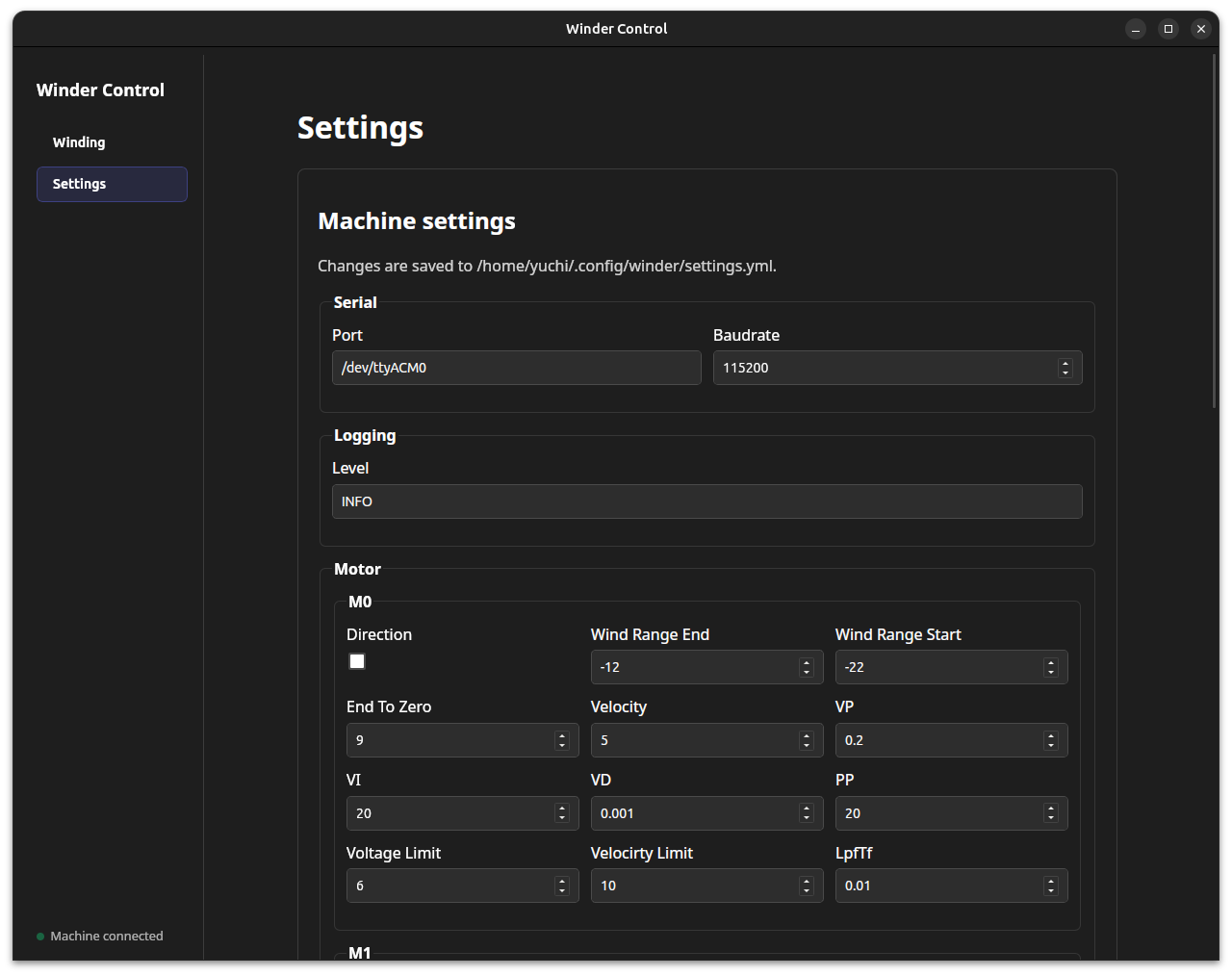
Tune PID Parameters without Uploading Firmware
Previously, tuning PID parameters required changing the firmware configuration and uploading the firmware to each motor controller again.
Winder Desktop can now send PID parameters directly to the motor controllers, allowing you to tune them from the app without recompiling or uploading firmware.
To use this feature, you need Aotenjo One firmware v2.2.1 or later.
More Reliable Winding Control
We have also improved the core winding logic to make the winding process more robust and efficient.
Previously, Winder used fixed sleep() periods to wait for motors to complete their movements. Because these waiting times were hard-coded, they had to be long enough to account for slower movements even when a motor had already reached its target.
The new implementation monitors the motor's actual position and proceeds to the next step once the motor reaches the target position within the required tolerance.
This eliminates unnecessary waiting while also making the sequence less dependent on assumptions about how long each movement should take.
For example, winding a BE4108 75T previously took approximately 9 minutes. With the updated winding logic, the same winding takes approximately 8 minutes and 40 seconds.
The difference for a single motor is relatively small, but these improvements add up when winding multiple motors.
For Developers
Winder Desktop is open source, just like the existing Winder software.
If you want to customize the app, inspect the source code, or contribute to the project, development instructions are available in the Winder GUI README.
We have tested Winder Desktop on Linux. Windows and macOS builds are available, but they have not yet been fully tested with a physical winding machine.
Before running a winding operation on these platforms, we recommend testing the machine without wire loaded and verifying that all motors move as expected. Always be prepared to stop power to the machine immediately if unexpected movement occurs.
If you encounter a bug or other issue, please report it on our GitHub Issues page.